INSTALL MONEYGO ON YOUR PHONE
Quick access and convenience
01
Open money-go.com in the Chrome browser on your device
02
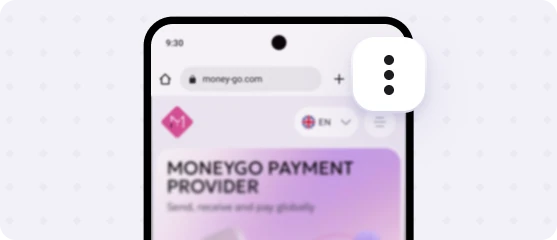
Tap the menu in the upper-right corner of the browser
03
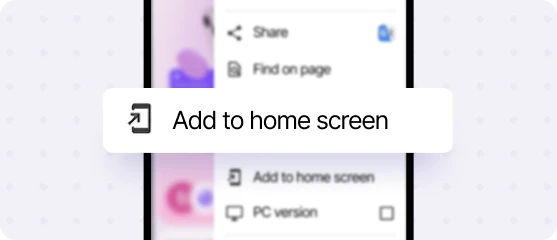
Tap Add to Home screen
04
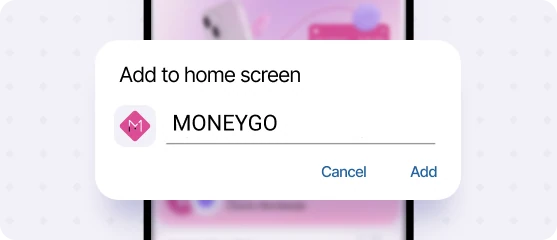
In the window that opens, tap Add
05
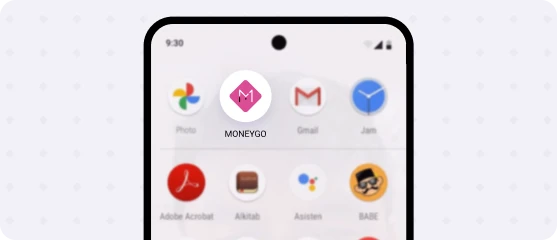
The MoneyGo icon will appear on the home screen - tap it to open